![cleever_color.svg]](https://help.cleever.com/hubfs/cleever_color.svg)
The Cleever registration is the administrative step that provides us all the necessary information to process the payments on behalf of their merchants, on their websites.
The registration occurs in 2 simple steps:
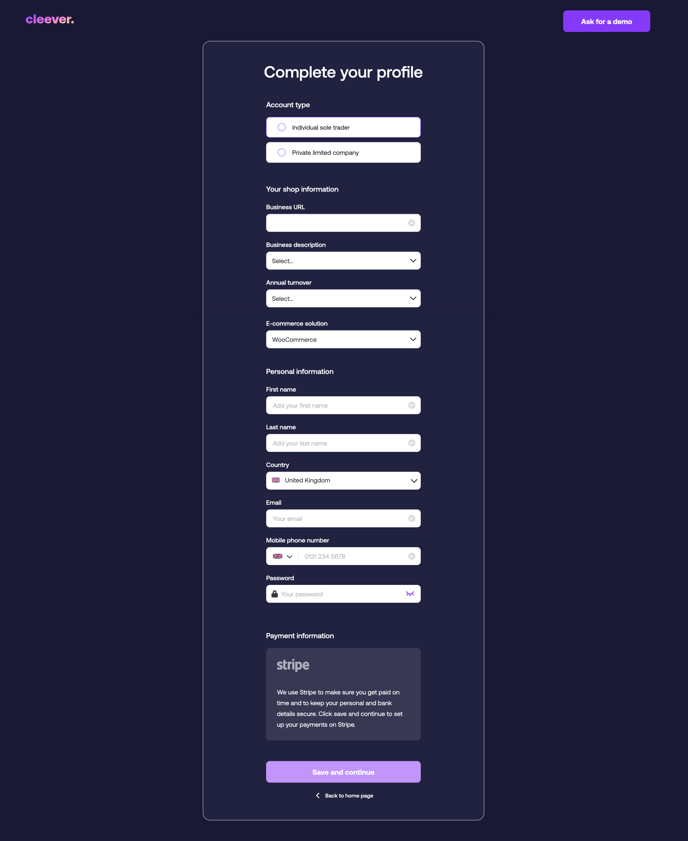
- The merchant enters information about their identity and website on the Cleever merchant registration page. They then set up their Cleever password.
- The merchant then enters the bank and legal details on a secured Stripe onboarding page.
As a merchant, signing up for Cleever can be done by you following the steps mentioned below:
-
Enter your details.
-
The registration will make you a Cleever partner and will enable you to receive payments from customers who opt to pay via Cleever on your platform.
-
After the Cleever register is validated (by clicking on "Save and continue"), you will be redirected to the Stripe onboarding page. Note that during these steps, you have to upload some IDs asked for by Stripe. After following all the steps, you will be redirected to the Cleever merchant dashboard.
-
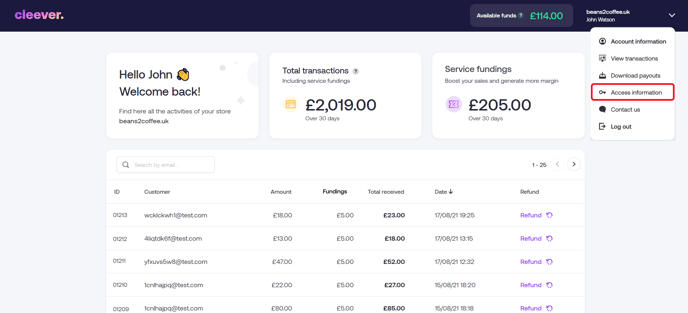
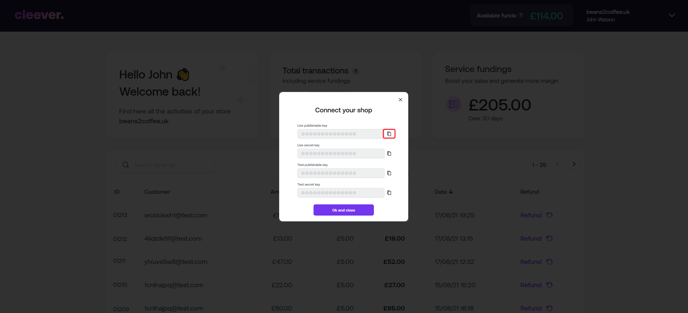
After successfully registering as a Cleever merchant, you can now access your Cleever dashboard from https://partners.cleever.com/. From there, you can access your merchant access keys which are to be copied and pasted in your website's back-office settings.