![cleever_color.svg]](https://help.cleever.com/hubfs/cleever_color.svg)
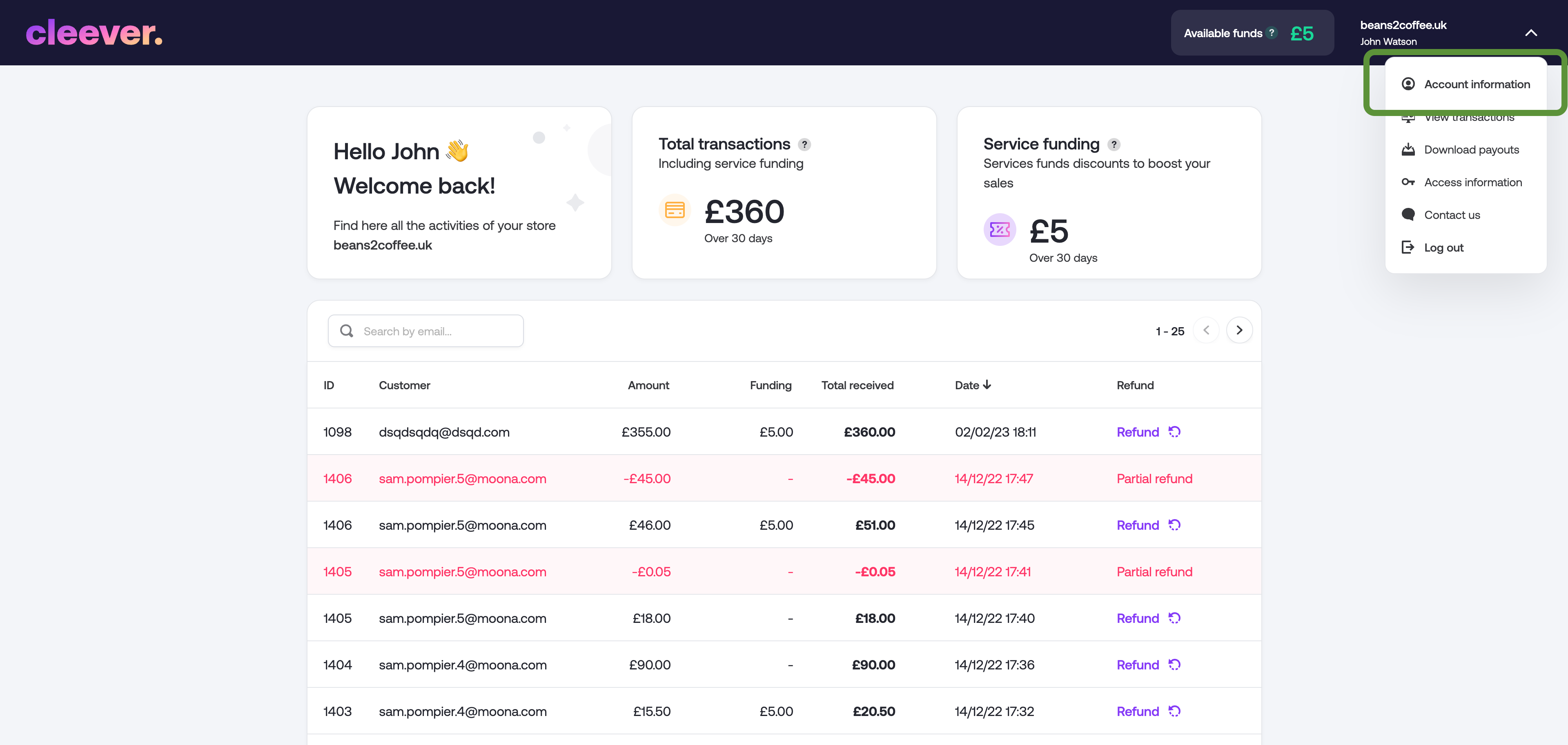
- Connect to you merchant dashboard: partners.cleever.com
- Once connected, click on the top right menu, then "Account information"
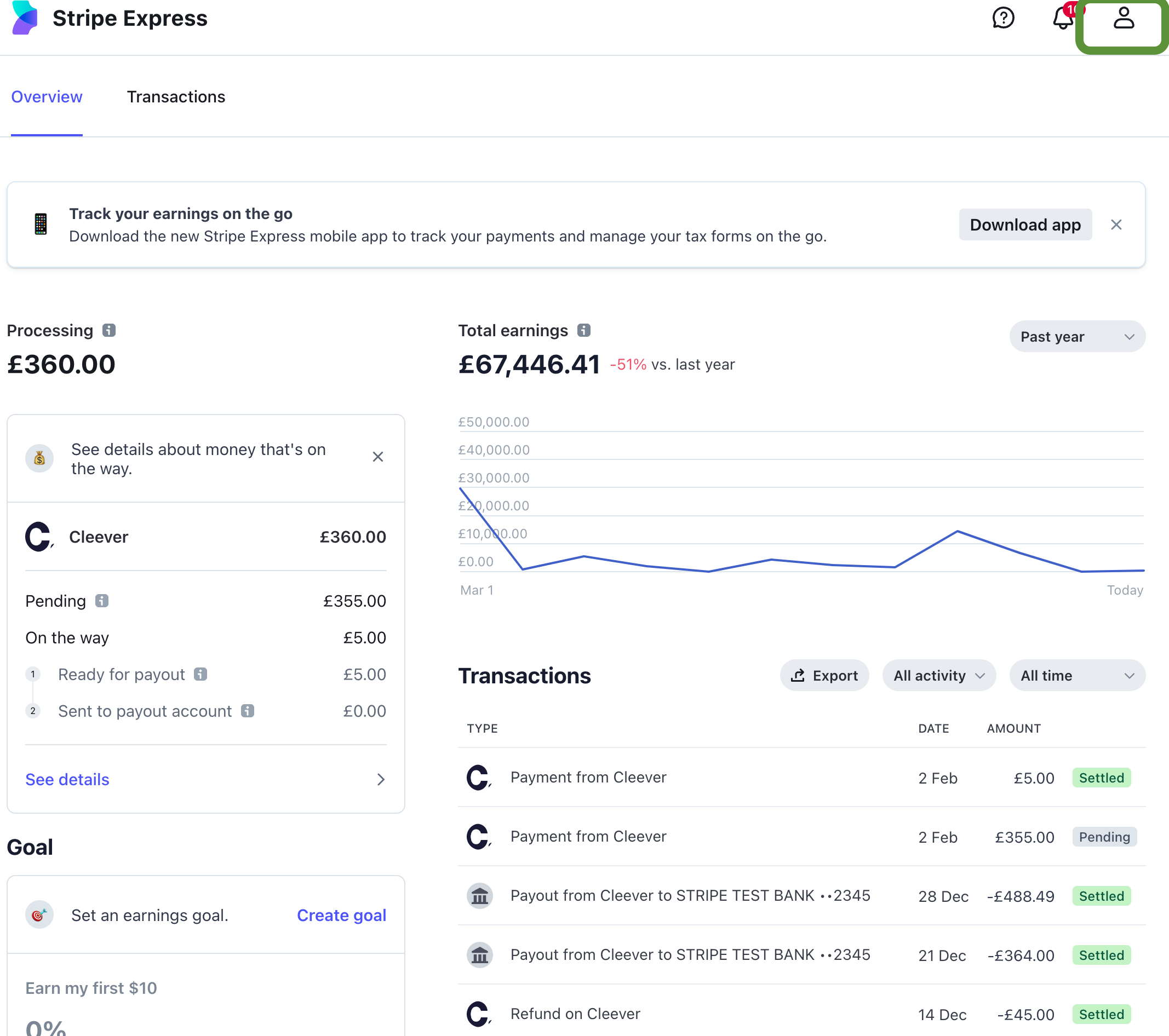
- You will be redirected to a Stripe page.
- Click on Account icon on top right
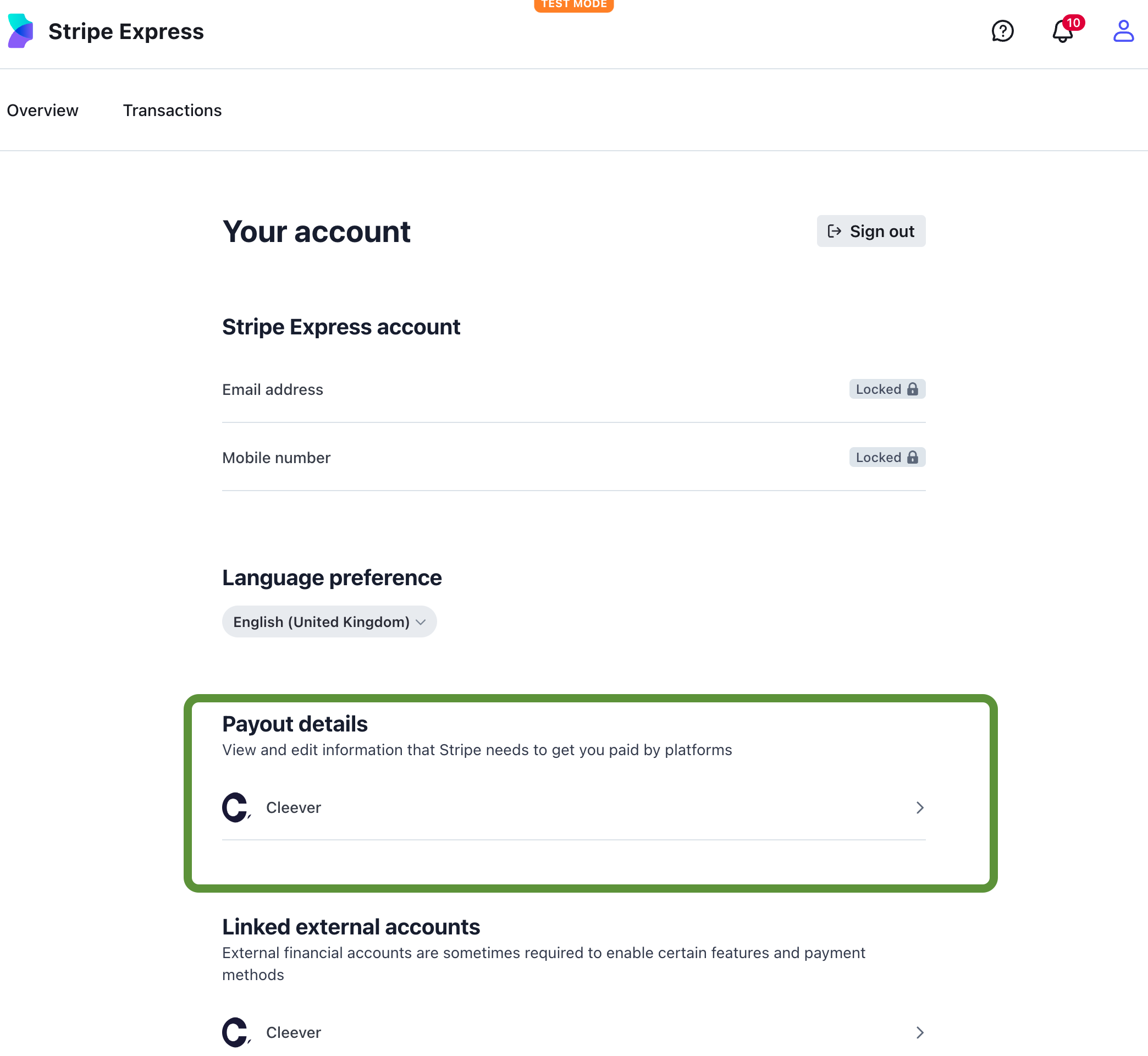
- Scroll to the bottom, go to Payout and professional details.
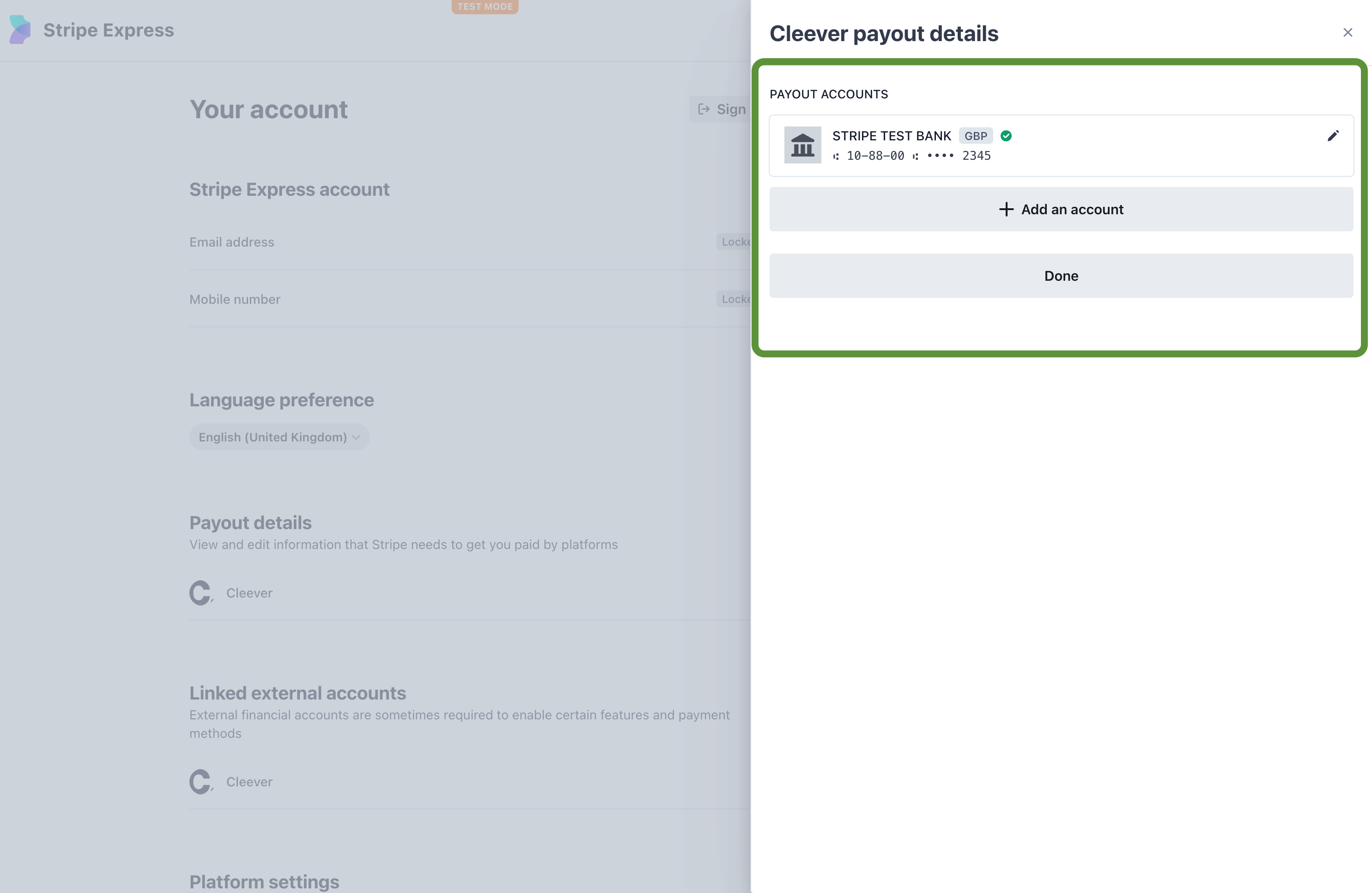
- All the bank account information is contained in the pop-in that appears. You can edit / add accounts from here.
That's it!